Code From Anywhere (Yes, Even There) with 
Your code editor has left the building. Nudge Cursor from WhatsApp, Slack, and Telegram and have it refactor, fix, and ship code while you're nowhere near your laptop.
Enable Cursor Connector
We're very happy (and slightly scared) to announce: you can now make Cursor write and edit code… from your chats.
WhatsApp, Slack - wherever you're already typing nonsense, you can now also ship code.
What's New?
You can talk to Qordinate, and Qordinate talks to Cursor's cloud agents on your behalf.
Here’s what that unlocks:
- Kick off small refactors and cleanups without opening your IDE.
- Ask for quick fixes or debugging help while you’re away from your desk.
- Let an agent work on a file or folder while you’re in a meeting or on the move.
- Later, review diffs and merge inside Cursor or on GitHub like you normally do.
How it works
- Connect Cursor
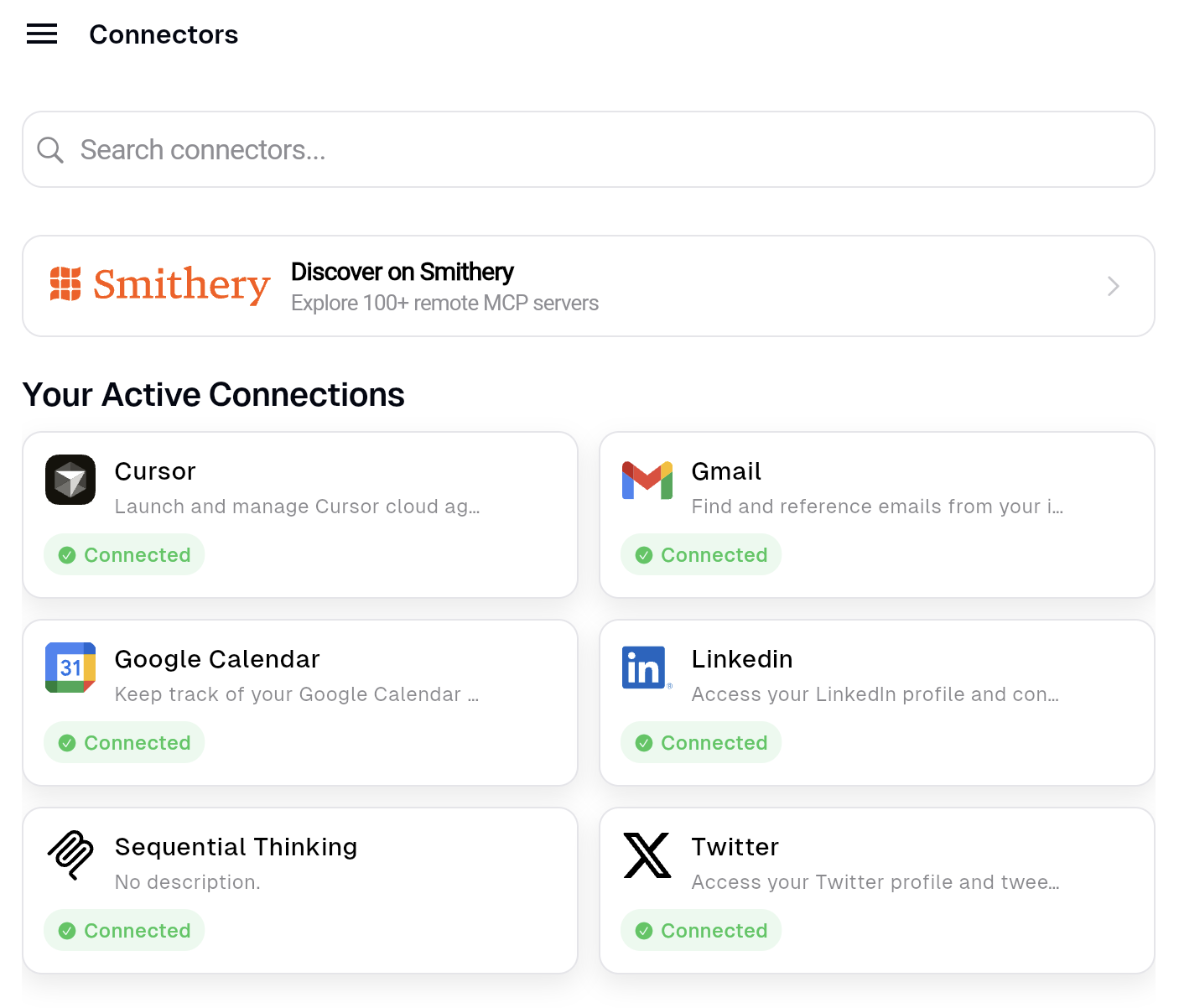
Go to the Qordinate Integrations page and connect your Cursor account / agent setup.
-
Ask from chat
From WhatsApp, or Slack, say things like:- “Ask Cursor to clean up the logging in the payments service.”
- “Run an agent to add basic tests for the user model.”
- “Open a PR with the changes and share the link here.”
-
Review in Cursor
When the agent is done, open the run in Cursor, review the diff, and merge as usual.
A tiny example
You (in WhatsApp / Slack):
“Use Cursor to rename this function to
calculateFinalPriceeverywhere and add a short docstring. Create a PR.”
Qordinate:
- Sends the instruction to a Cursor cloud agent.
- Lets the agent do the boring work.
- Drops the agent URL (and PR URL) back into the same chat.
You:
- Take the credit 😇
Why we built this
Ideas hit you when you’re nowhere near your keyboard:
- On a walk, you remember a small refactor.
- In a meeting, you spot a bug in a slide.
- On the couch, you’re too comfy to open the laptop.
Instead of “I’ll do it later”, you can fire a quick instruction from chat and let Cursor handle it.
Qordinate keeps track of runs, links, and tasks so you don’t have to.
From early users
“I accidentally shipped a fix from my phone. 10/10, would abuse again.”
Give it a spin and tell us what weird place you coded from first 😛
Turn Chats Into Code
Ship your next fix from chat.
Frequently Asked Questions
Everything you might want to know before you start coding from chat.
Nope. As long as your Cursor cloud agent is connected to Qordinate, you can trigger runs straight from WhatsApp, Slack, and Telegram-even without opening your editor.